NOTE: This seminar is now available on-demand. Please click the Register button above to register and view the seminar now.
This introductory seminar provides a basic overview of the capabilities, concepts, resources, services, and benefits available for the Vectorworks user to get started. This session explains the user interface and demonstrates how to use tools and menu
commands to create and convert objects. Learn about classes, design layers, viewports, renderings, and sheet layers to present and annotate drawings and publish your work.
All Industries
All Industries
2h 16m
Beginner
Learning Objectives
Familiarize yourself with the user interface.
Understand the capabilities of Vectorworks.
Get an overview and demonstration of different digital design tools.
NOTE: This seminar is now available on-demand. Please click the Register button above to register and view the seminar now.
Are you ready to embark on your journey with Vectorworks Architect? Look no further! In this engaging introductory session, we've meticulously distilled the essential tools, concepts, and workflows you need to kick-start your Vectorworks Architect experience.
Whether you're a novice taking your first steps or someone seeking a quick and practical overview, this one-hour video is your perfect gateway to the world of Vectorworks Architect. Join us as we unravel the key components of Vectorworks
Architect, offering you a comprehensive overview of this powerful design software. Our aim is to provide you with a concise, yet informative introduction to Vectorworks Architect that empowers you to start creating architectural designs with confidence.
While this session may be just an hour long, it will set you on the right path, equipping you with the fundamental knowledge needed to explore Vectorworks Architect further.
Buildings/Interiors
Buildings/Interiors
55m
Beginner
Learning Objectives
Familiarize yourself with Vectorworks Architect and its user-friendly interface.
Gain insight into the core tools and functionalities that form the backbone of Vectorworks Architect.
Understand the standard Architectural design workflow of Vectorworks Architect.
NOTE: This seminar is now available on-demand. Please click the Register button above to register and view the seminar now.
Are you ready to embark on your journey with Vectorworks Spotlight? Look no further! In this engaging introductory session, we've meticulously distilled the essential tools, concepts, and workflows you need to kick-start your Vectorworks Spotlight experience.
Whether you're a novice taking your first steps or someone seeking a quick and practical overview, this one-hour seminar is your perfect gateway to the world of Vectorworks Spotlight. Join us as we unravel the key components of Vectorworks Spotlight,
offering you a comprehensive overview of this powerful design software. Our aim is to provide you with a concise, yet informative introduction to Vectorworks Spotlight that empowers you to start creating entertainment designs with confidence. While
this session may be just an hour long, it will set you on the right path, equipping you with the fundamental knowledge needed to explore Vectorworks Spotlight further.
Entertainment
Entertainment
1h 21m
Beginner
Learning Objectives
Familiarize yourself with Vectorworks Spotlight and its user-friendly interface.
Gain insight into the core tools and functionalities that form the backbone of Vectorworks Spotlight.
Understand the standard entertainment design workflow of Vectorworks Spotlight.
NOTE: This seminar is now available on-demand. Please click the Register button above to register and view the seminar now.
Are you ready to embark on your journey with Vectorworks Landmark? Look no further! In this engaging introductory session, we've meticulously distilled the essential tools, concepts, and workflows you need to kick-start your Vectorworks Landmark experience.
Whether you're a novice taking your first steps or someone seeking a quick and practical overview, this one-hour seminar is your perfect gateway to the world of Vectorworks Landmark. Join us as we unravel the key components of Vectorworks Landmark,
offering you a comprehensive overview of this powerful design software. Our aim is to provide you with a concise, yet informative introduction to Vectorworks Landmark that empowers you to start creating landscape designs with confidence. While this
session may be just an hour long, it will set you on the right path, equipping you with the fundamental knowledge needed to explore Vectorworks Landmark further.
Landscapes
Landscapes
1h 3m
Beginner
Learning Objectives
Familiarize yourself with Vectorworks Landmark and its user-friendly interface.
Gain insight into the core tools and functionalities that form the backbone of Vectorworks Landmark.
Understand the standard landscape design workflow of Vectorworks Landmark.
NOTE: This seminar is now available on-demand. Please click the Register button above to register and view the seminar now.
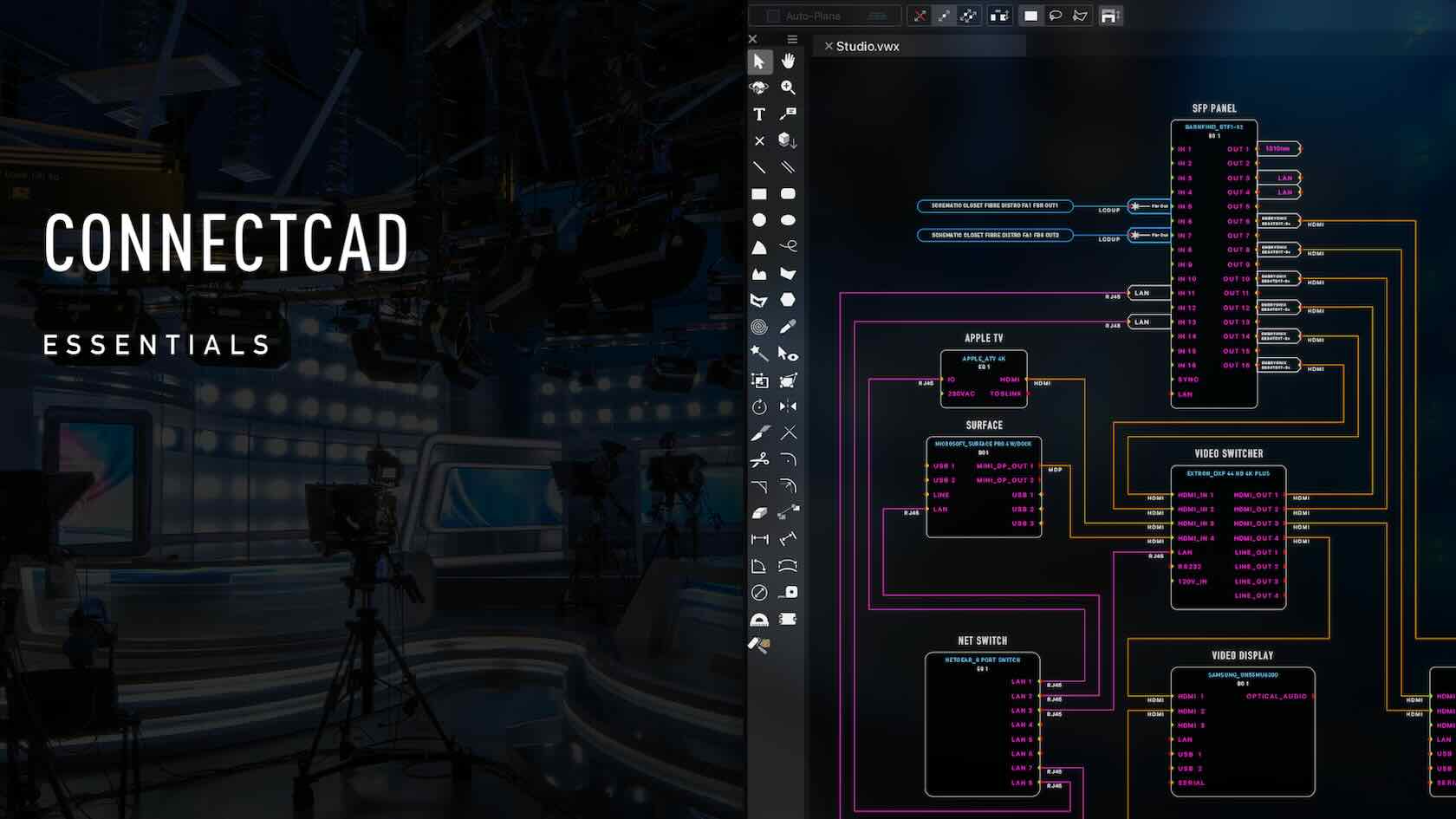
Familiarize yourself with the basic tools and concepts of the ConnectCAD module. In this seminar, you will understand the basics of creating a schematic drawing; including devices, sockets, and circuits. Input data into your devices and create 3D equipment items both inside and out of a rack. This seminar is beginner level for this module and is primarily for an introduction to the basic concepts and workflow within ConnectCAD.
Entertainment
Entertainment
1h 1m
Beginner
Learning Objectives
Understand the basic concept of creating devices and connecting them to create basic schematic diagrams.
Understand the connection between the 2D schematic and the 3D equipment items.
Understand how the 3D equipment items a represented both within and out of equipment racks.
Vectorworks Coffee Breaks are casual online learning sessions, that give you the opportunity to learn about different Vectorworks topics. You will interact with the trainers and ask questions throughout. We have chosen to run these sessions online to
broaden their reach and enable you to add to your skills without leaving your desk. Live sessions are available to all our customers.
Join us for this Coffee Break session where we’ll guide you through the essentials of using the text tool effectively, including how to edit text after creation. You’ll also learn how to create and apply text styles, powerful tools that ensure a consistent and professional appearance across your entire document, aligning with your graphic standards.
Discover how text styles extend beyond simple text elements to enhance dimensions, callouts, and other annotation objects, streamlining your workflow and maintaining uniformity throughout your projects. Whether you’re new to text styling or looking to refine your skills, this session will equip you with practical techniques to elevate your document design.
All Industries
All Industries
50m
Beginner
Learning Objectives
Confidently use the text tool to add and modify text elements.
Edit and update text efficiently after creation.
Create, customize, and apply text styles to maintain consistent formatting throughout your document.
We
all have our go-to tools—the ones we rely on every day as part of our
routine workflow. In this short coffee break, we’ll introduce six handy
tools you might be acquainted with in theory but haven’t yet adopted into your workflow. Part of the “Hidden Treasures” of
Vectorworks
All Industries
All Industries
32m
Beginner
Learning Objectives
Explore some less commonly used tools, commands and features in Vectoworks inlcuding the Find command, Move by Points tool, Eyedropper tool, Select Similar tool, Visibility tool, and the Visibilities pane of the Object Info Palette.
Braceworks
is a powerful tool to calculate the forces on your entertainment
rigging systems. User often struggle with making a connected system, or a
system that calculates correctly. In this coffee break we’ll look at 5
common scenarios, including rigging speakers and video walls,
cantilevering pipes and others.
Entertainment
Entertainment
1h
Advanced
Learning Objectives
Learn how to connect loads to rigging systems.
Using specific examples, ensure we have a system that can be calculated.
Coffee Break - Referencing: Building and Site Model Alignment
In this session, we’ll explore best practices for aligning building and site models using referencing in Vectorworks. Learn how to streamline your workflow by correctly coordinating multiple external files and ensuring these non-geolocated models and files are accurately positioned relative to your geolocated file.
Buildings/Landscapes
Buildings/Landscapes
36m
Intermediate
Learning Objectives
Understand how to use referencing tools in Vectorworks to align building and site models efficiently.
Understand best practices for simple site geolocation.
Coffee Break - Auto Hybrid Objects for Facade Design
Freeform 3D modelling workflows are typically fluid, and require phased iteration in order to reach an end design goal. This creates a natural tension between the model and the Top/Plan representation of that model. In this Coffee Break, we’ll look at how to limit the 2D re-drawing work by clever application of the Auto Hybrid object.
Buildings
Buildings
1h 10m
Advanced
Learning Objectives
Compare the attributes of Auto Hybrid objects to Symbols and Parametric Objects.
Explore best practice examples for Auto Hybrid application.
Demonstrate a best practice Auto Hybrid workflow for the design of a custom facade.
We
all love plants, but not all of us are Landscape Designers. This
webinar will introduce the planting tools, and enable architects and
spotlight users that have Design Suite to take full advantage of the
landmark planting tools to enhance their designs.
All Industries
All Industries
1h
Beginner
Learning Objectives
Introduction to the plant tool and modes. Discover what makes a plant object, and how plants will make your design flourish.