Previsualization (previz) is an essential part of lighting
design workflows, and it used to require a second program to test run your
design.
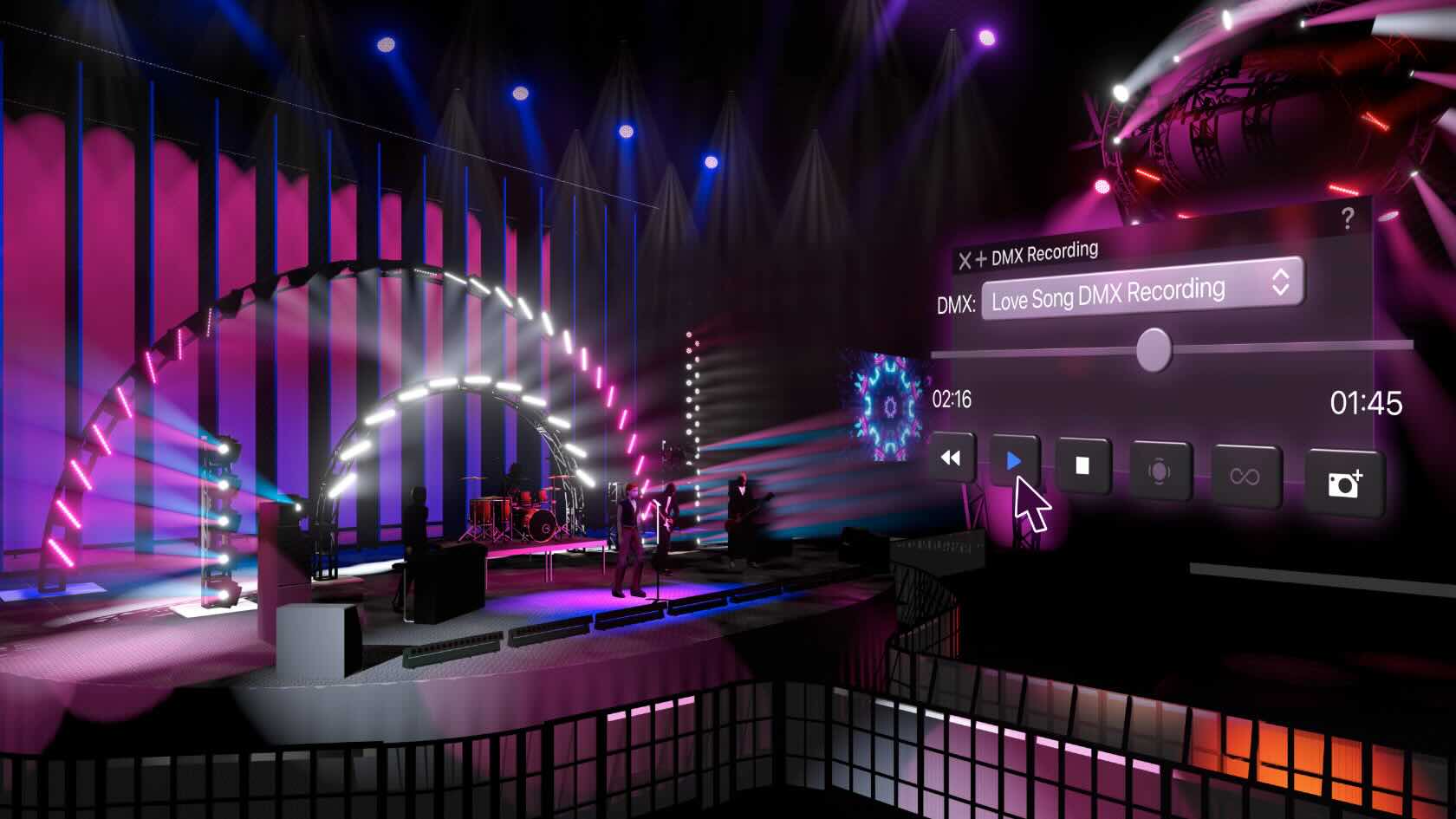
However, with Vectorworks Spotlight’s Showcase feature, you
can perform real-time previz in the same software where you draw your light
plots, create scenic designs, and more.
Join entertainment industry experts Joshua Schulman and Matt
Artigues as they demonstrate how to
set up your lighting plot to be Showcase-ready as well as the rendering
capabilities of the cutting-edge feature.
Entertainment
Entertainment
44m
Beginner
Learning Objectives
Understand how to connect a lighting console to
Vectorworks Spotlight via Showcase.
Witness Showcase Shaded render settings and
preferences for camera settings, bloom, fog, and backgrounds.
Learn how to operate live console playback,
record DMX to your file, and more with the intuitive capabilities of Showcase.
The nCircle plugin supports the direct import of RCS (Autodesk® ReCap® Scan) and RCP (ReCap Project) files, widely used formats for managing and processing point clouds. It allows users to import point cloud files in one click, improving workflow efficiency and collaboration, while reducing complexity. Whether you're working with large datasets or integrating point clouds from different sources, this plugin simplifies the process and enhances accuracy.
nCircle Tech is a one stop super specialized custom software development & BIM service provider, with specialization in AEC and Manufacturing domains. With a unique blend of automation and engineering services wrapped with innovative technological approach, we build dedicated development teams to augment your capacity and take care of your end-to-end product development on desktop, mobile and cloud.
Partners
Partners
2m
Beginner
Learning Objectives
Explore how to install and start using the new nCircle partner plug-in with Vectorworks software.
Take a behind-the-scenes look at a real-world,
streamlined landscape design process using design software and supporting
technologies.
This session, hosted by Maggie Little and Andrea Wilson
Mueller of Inside Out
Landscape Design, walks you through the entire project lifecycle — from
capturing site measurements and budgeting to producing polished presentations
and build-ready documentation.
Learn how integrating smart workflows improves
internal efficiency and elevates the client experience with compelling visuals
and clear construction directives.
To receive 1 LA CES PDH and 1 APLD CEU, please make sure to login and complete the quiz after watching our webinar.
Landscapes
Landscapes
50m
Beginner
Learning Objectives
Leverage digital tools for fast, accurate site
analysis and documentation.
Use worksheets and data-rich models for
estimating, budgeting, and ensuring build accuracy.
Enhance client engagement and close more sales
with impactful 3D visualizations.
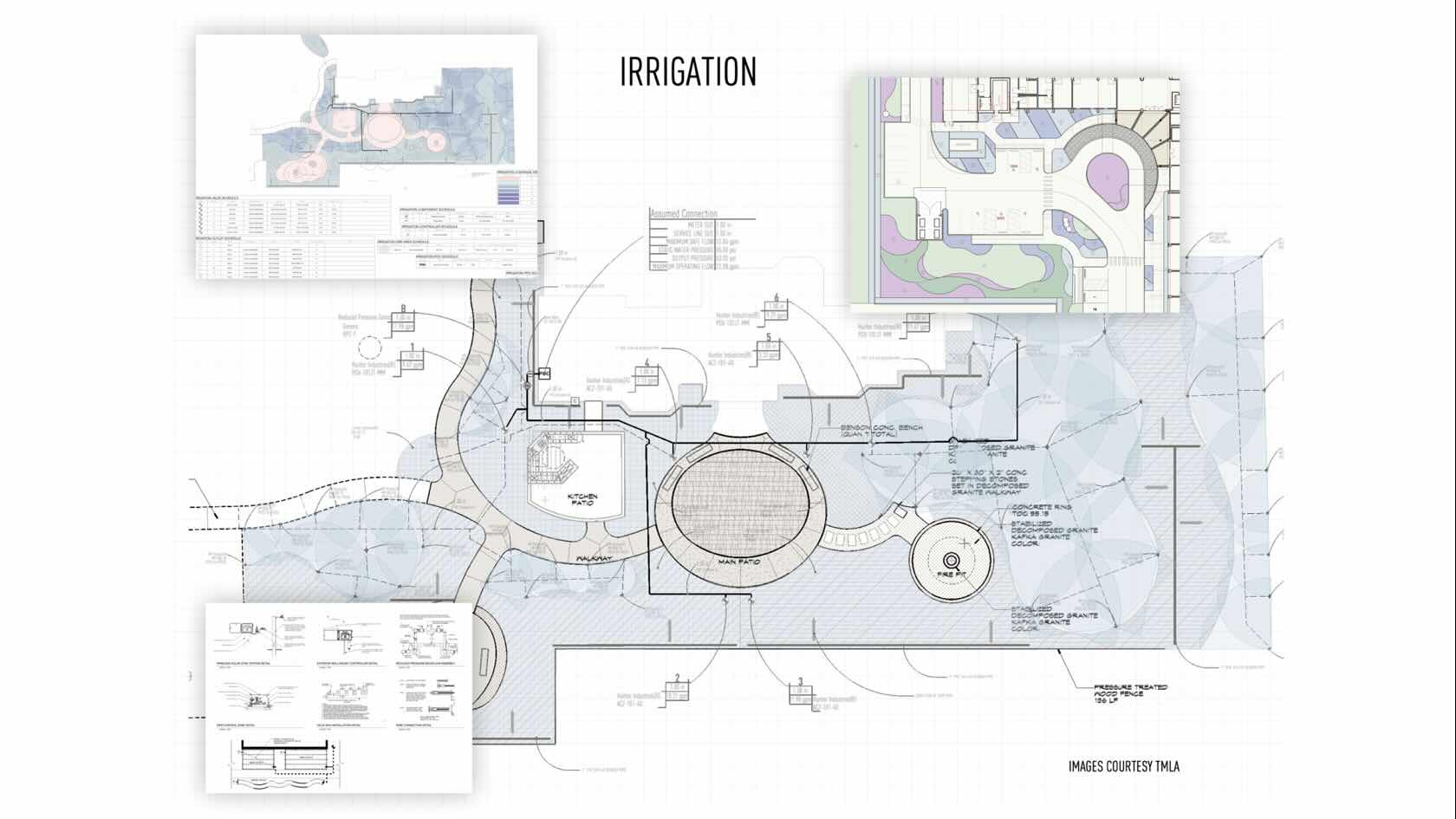
Irrigation design for efficiency, analysis, and quantity takeoffs are standard
requirements in today’s world of landscape design.
The powerful tools within Vectorworks Landmark allow you to place
outlets while seeing product-specified performance. Connect piping in your
design that’ll calculate friction loss and hydraulic pressure, while
automatically sizing the lateral and mainline piping. And, you can place drip
tubing while generating true GPH required per zone.
Once designed, you can analyze, document, and calculate the irrigation
network, creating a robust, water-efficient irrigation design.
To receive 1 APLD CEU, please make sure to login and complete the quiz after watching our webinar.
Landscapes
Landscapes
48m
Beginner
Learning Objectives
Explore
the use of the irrigation design tool set in Vectorworks Landmark.
Learn
how to place outlets, pipe, valves, and drip lines.
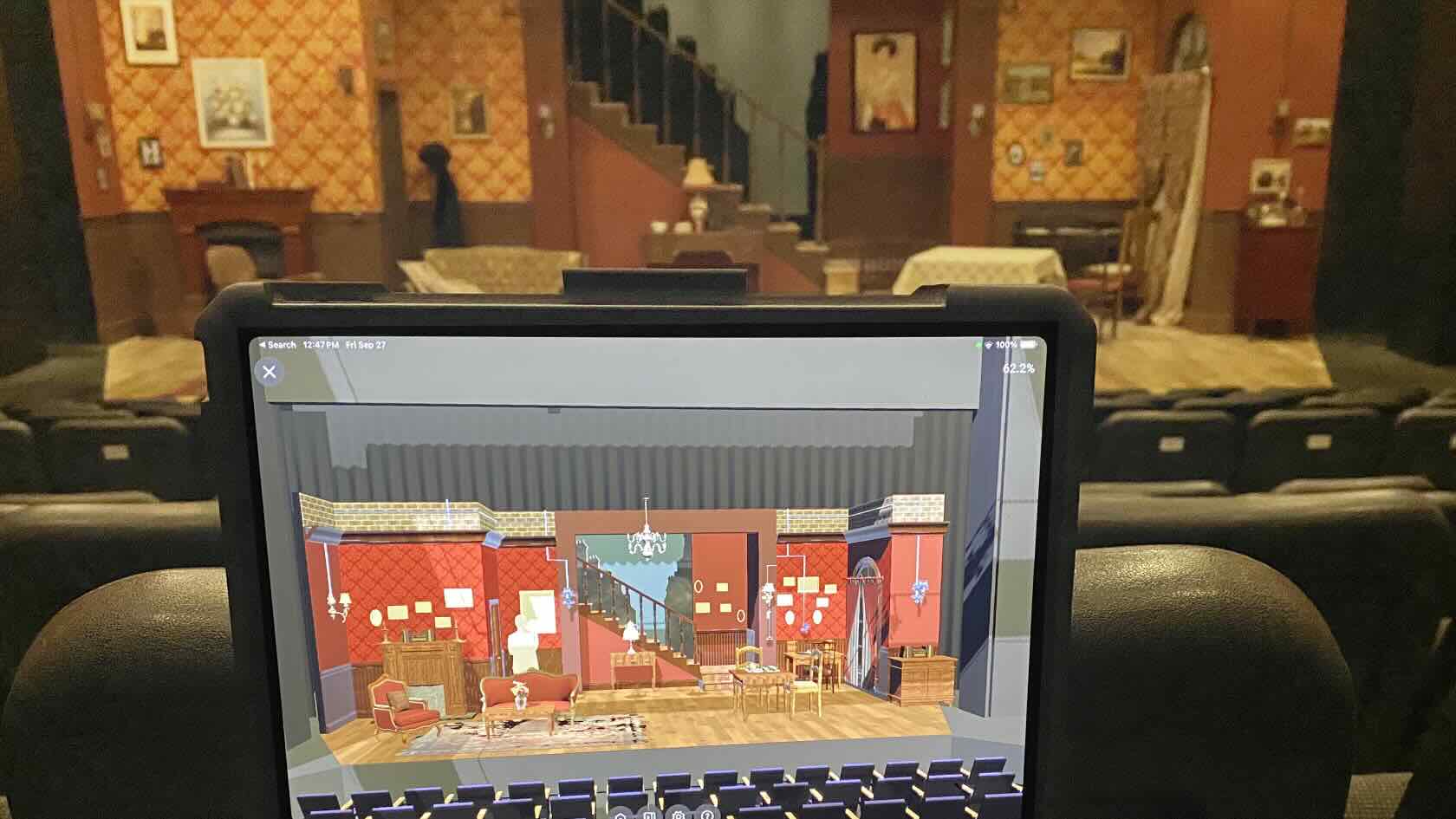
Did you know that utilizing augmented reality (AR) and
virtual reality (VR) as a method of presenting early design choices can be a
time-saver?
Instead of building a rough physical model for discussion
between designer and director, AR or VR can be an effective method of showing
ideas allowing for quick adjustments to be made to the design at a limited
expense.
Join Adam Parboosingh, associate professor and chair of the
Department of Theatre and Film at the University of Winnipeg, to learn how
effectively communicating design ideas can overcome time constraints in the
tight build schedule while providing the production staff an accurate view of
the design in the theatre architectural space.
Entertainment
Entertainment
40m
Intermediate
Learning Objectives
Understand
how AR and VR technologies can streamline early design presentations and
facilitate efficient collaboration between designers and directors.
Learn how to integrate the Vectorworks Nomad app for AR
previsualization in non-traditional performance spaces.
Explore the process of creating immersive VR experiences using
Vectorworks Odyssey and the Meta Quest headset to enhance spatial understanding
during production planning.
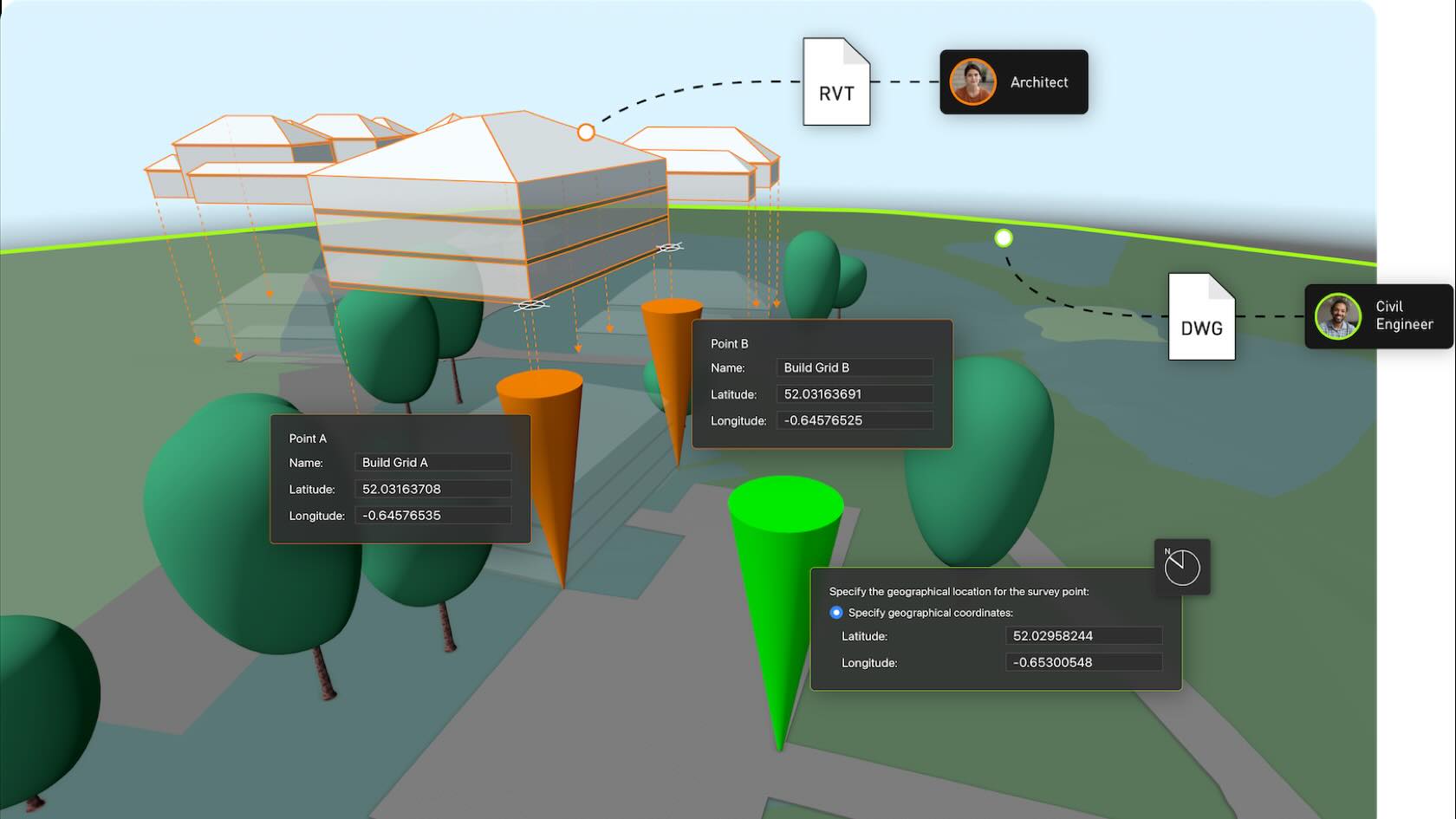
This workflow provides a comprehensive, step-by-step guide to setting up project templates and origins in Vectorworks, ensuring accurate georeferencing, efficient collaboration, and optimal software performance for architectural and design projects. The curriculum is structured around practical workflows tailored to different project scenarios, from blank document creation to advanced geospatial coordination.
Landscapes
Landscapes
30m
Intermediate
Learning Objectives
Confidently set up and customize Vectorworks project templates for various project types.
Accurately define and manage project origins, coordinates, and georeferencing settings.
Import and align third-party data (e.g., DWG surveys) and maintain spatial accuracy.
Prepare project files for seamless collaboration with external partners and software platforms.
Accelerate Design to Delivery: Integrating Vectorworks with Bluebeam
Discover how the Bluebeam Connection empowers you
to initiate and manage Studio Sessions directly within Vectorworks,
streamlining communication and accelerating project timelines.
We’ll explore how Vectorworks Architect supports every phase of design
and how its synergy with Bluebeam — both Revu and Bluebeam Cloud — enables
seamless markup, review, and iteration, regardless of operating system or
software preferences.
Whether you’re an architect, builder, collaborator, or client, you’ll come
away with the skills to manage drawing set iterations, convert PDF markups into
actionable BIM Collaboration Format (BCF) issues, and leverage integrated
workflows to keep your projects on track and your teams connected.
Buildings
Buildings
56m
Beginner
Learning Objectives
Create, manage, and participate in Studio Sessions
directly from Vectorworks, including uploading and reviewing marked-up PDFs
Distinguish between Bluebeam Revu and Bluebeam Cloud
workflows and understand how to include all clients and collaborators — including
Mac OS users — in the review process
Apply best practices for managing markup feedback,
drawing set iterations, and converting PDF markups into BIM Collaboration
Format (BCF) issues to streamline the BIM process
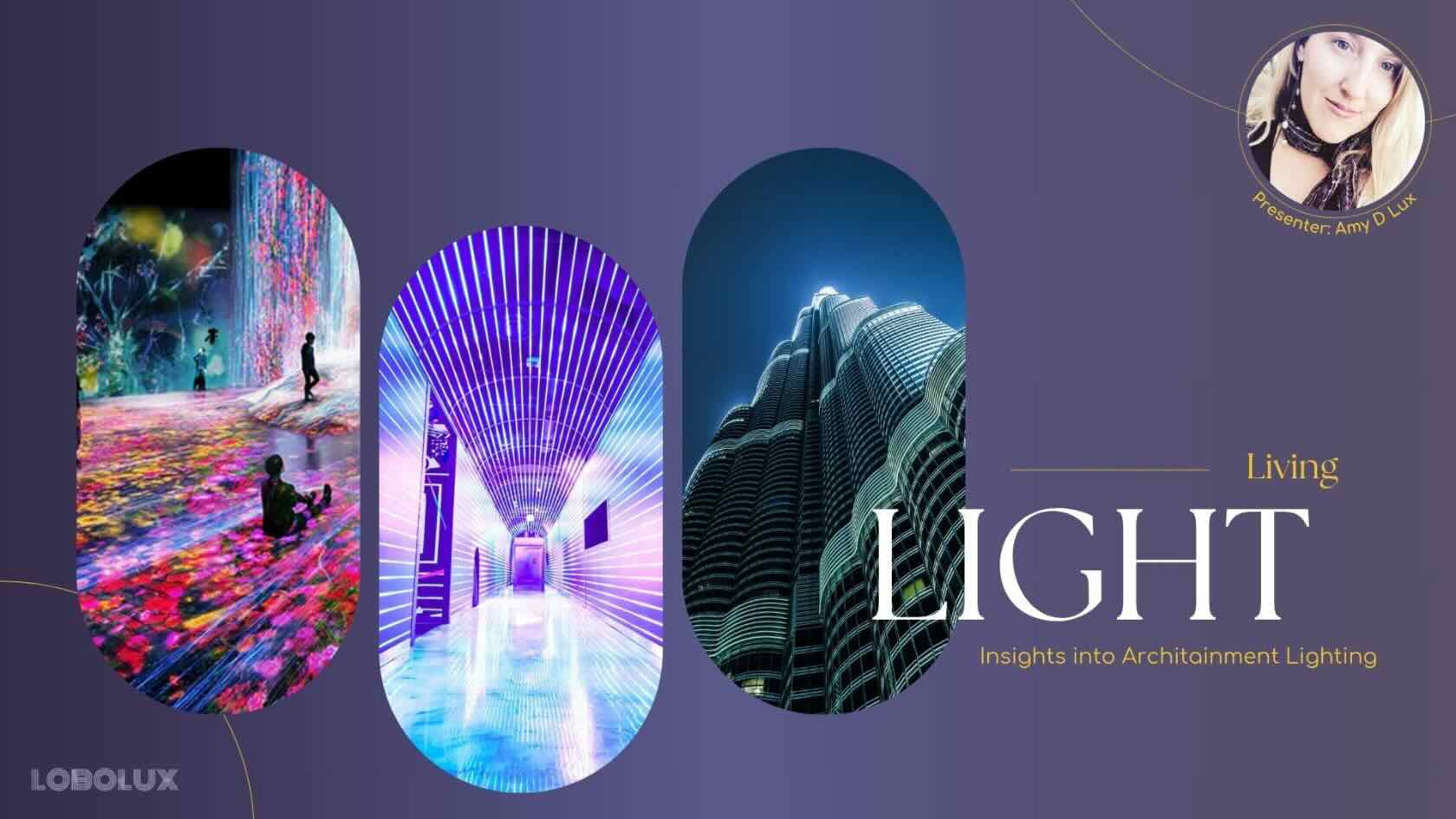
As architecture, technology,
and entertainment continue to converge, lighting plays a central role in
transforming public spaces into immersive, interactive experiences.
Join Amy D Lux, founder
and principal designer at LoboLux Design, for insights into one of the most
creative, cutting-edge disciplines in lighting design today.
Entertainment
Entertainment
27m
Beginner
Learning Objectives
Explore how innovative design, advanced control systems,
and narrative-driven techniques redefine how designers and audiences alike
engage with buildings, bridges, and urban environments.
Gain valuable design advice for shaping dynamic,
culturally resonant spaces.
Understand the importance of cross-disciplinary
collaboration in architainment lighting.
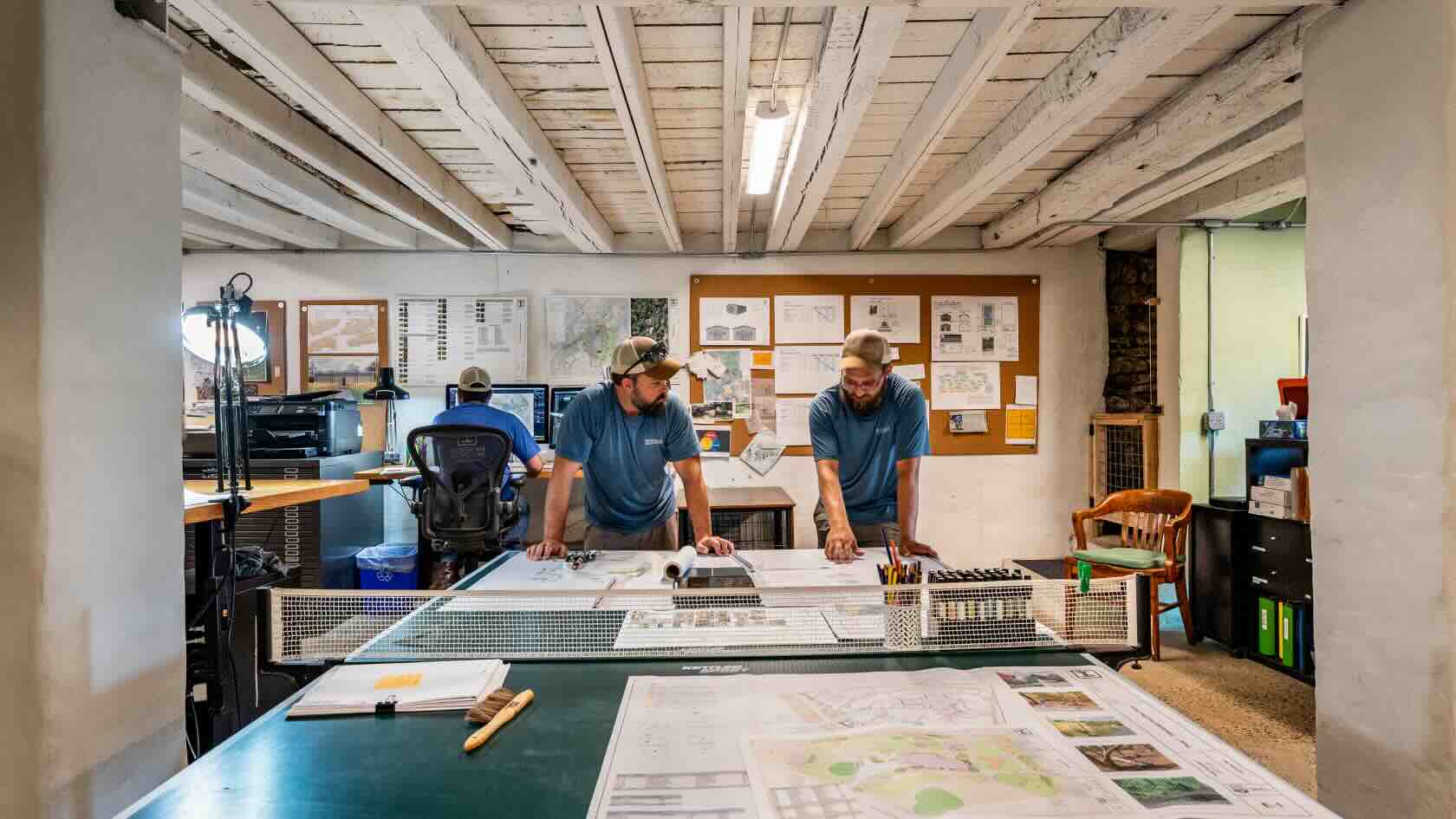
For design-build practices 2D drafting and plans can be unbelievably
effective.
Join Carl Molter of ecological design-build company
Indigenous Ingenuities for this informative webinar. You’ll learn how 2D
drawings can effectively contain both information and beauty.
To receive 1 LA CES PDH and 1 APLD CEU, please make sure to login and complete the quiz after watching our webinar.
Landscapes
Landscapes
50m
Beginner
Learning Objectives
Observe 2D design-build plans from field work to
final presentation.
Discover how a custom workgroup can speed up
drawing production.
Witness tips to efficiently manage drawing file
sizes and create phased pricing plans from a single master plan.
Streamlining Your Planting Plans with Vectorworks and EvergreenConnect
Learn how integrating Vectorworks with EvergreenConnect’s live plant availability data can enhance the efficiency and accuracy of your planting plan workflow. This webinar will show you how to check your Vectorworks planting plans against real-time availability and cost data from EvergreenConnect, helping you create designs that are both practical and cost-effective.
Landscapes
Landscapes
1h 4m
Intermediate
Learning Objectives
Learn how to link Vectorworks planting plans with EvergreenConnect for real-time plant availability and pricing
See how to export plant counts and selections directly to EvergreenConnect
Discover the project management features available within EvergreenConnect
Gain practical tips for improving workflow efficiency and accuracy
Participate in a Q and A session with Ben Beaumont and Todd Gallagher
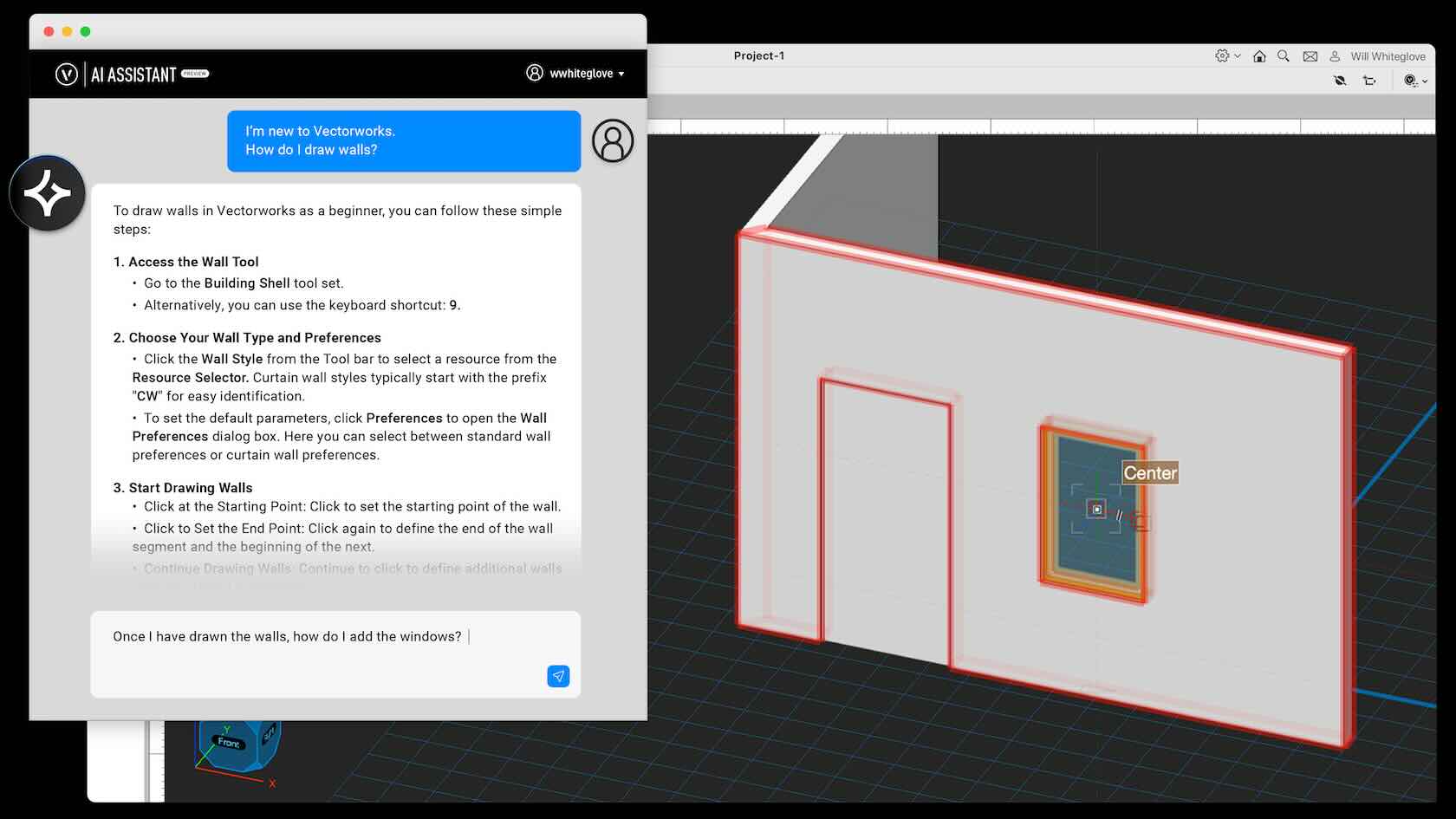
Say hello to AI Assistant (Preview), an always-on resource that delivers instant answers to your Vectorworks questions at any stage of your design. Trained exclusively on Vectorworks content, this new tool will help you learn new features faster, work smarter, and easily keep projects on track. Learn more and get started today.
All Industries
All Industries
2m
Beginner
Learning Objectives
Learn about the new AI Assistant (Preview) released with Vectorworks 2025 Update 5.
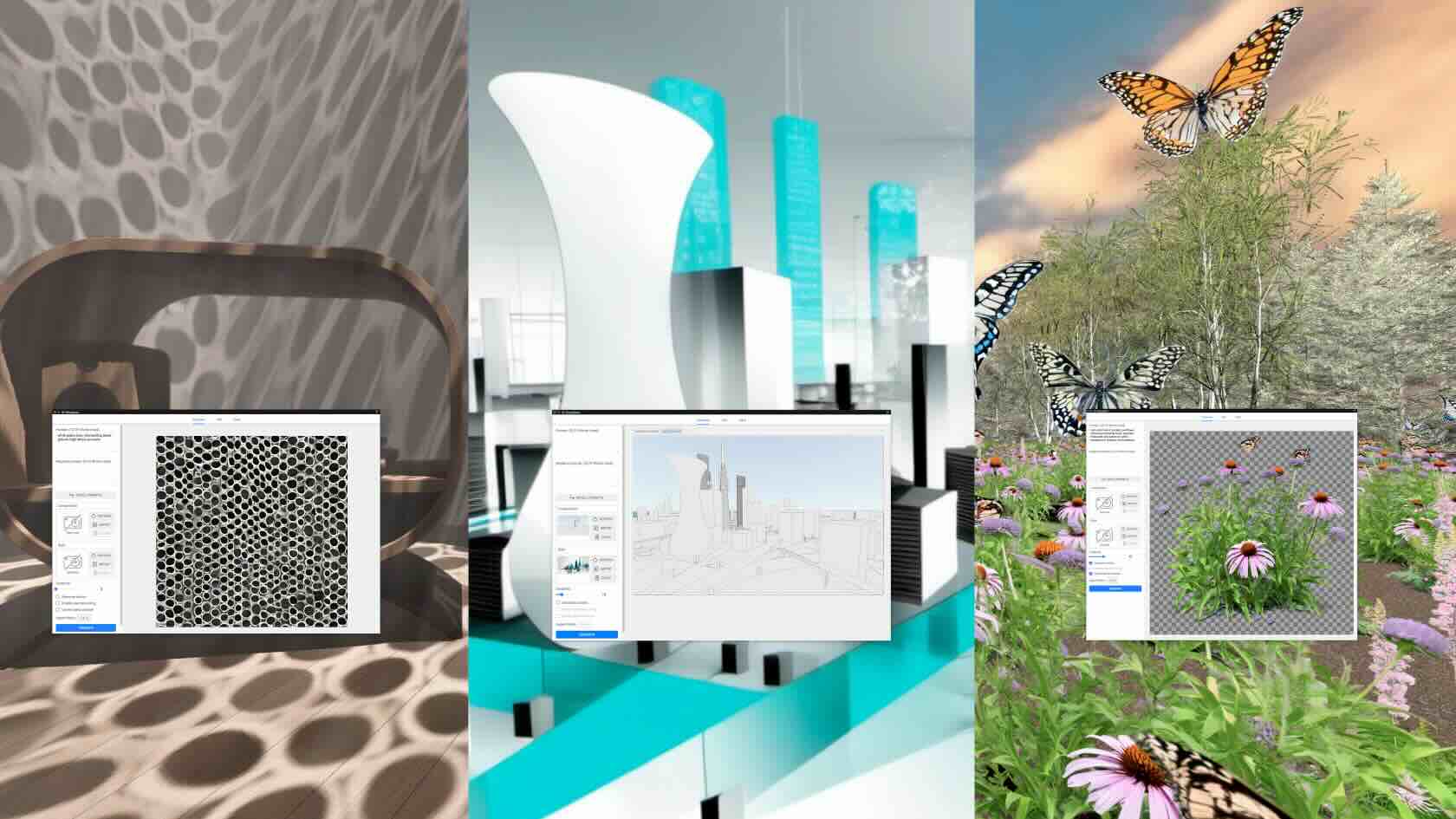
Discover how the AI Visualizer
empowers you, regardless of your industry, to create stunning visuals with
ease. Learn to apply advanced image styles, refine designs with inpainting, and
generate limitless assets directly within your existing workflows. Explore
features like prompt saving, alpha channel assets, and automated background
creation to streamline your design process.
Join Vectorworks experts for this session and
unlock new levels of creativity and efficiency with these powerful AI-driven
tools.
To receive 1 APLD CEU, please make sure to login and complete the quiz after watching our webinar.
All Industries
All Industries
50m
Beginner
Learning Objectives
Streamline workflows by learning
to craft effective text prompts and the use of image styles.
Master the creation of seamless
textures.
Produce and utilize image assets
with alpha channels.
Enhance image quality and leverage
direct resource creation.